📖 Category guide
Best 3 E-Readers on Amazon
E-ink is the whole point: weeks of battery, readable in sunlight, easy on the eyes. The real choice is ecosystem — Kindle's store vs. Kobo's open formats and library borrowing.
Last researched September 28, 2026
How to choose
An e-reader's job is simple: disappear, so the book takes over. That means a glare-free screen readable in sunlight, a front light that warms for night reading, and battery life measured in weeks rather than hours. Weight and one-handed comfort matter more than they sound, since you will hold the device for long stretches. The real fork in the road is ecosystem, not hardware: one store locks you into its own bookshop, while the other reads open formats natively and borrows library books directly on the device. Screen size matters for what you read, since novels are happy on a smaller screen while comics, illustrated books, and documents want more room.
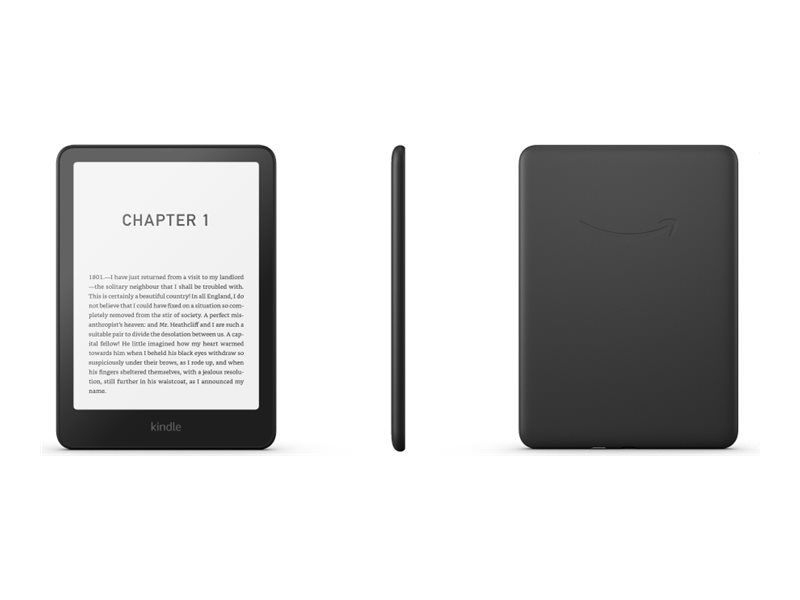
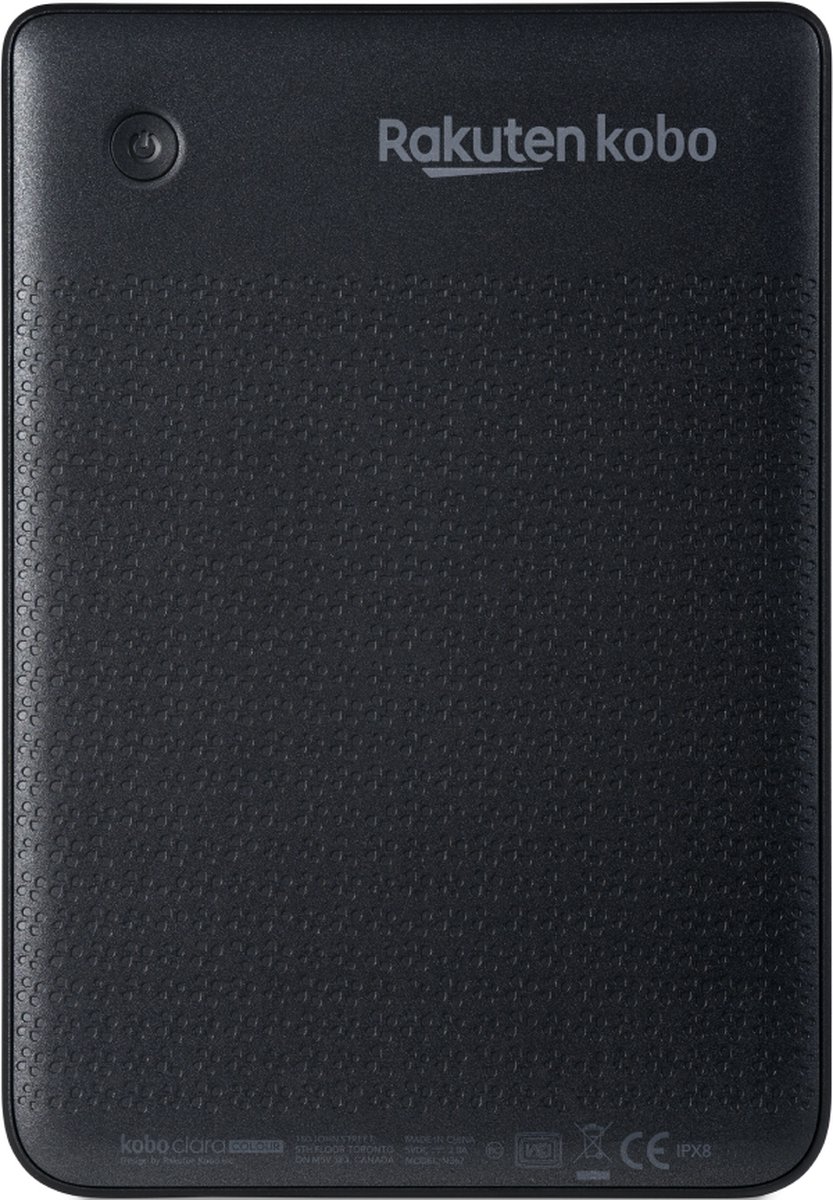
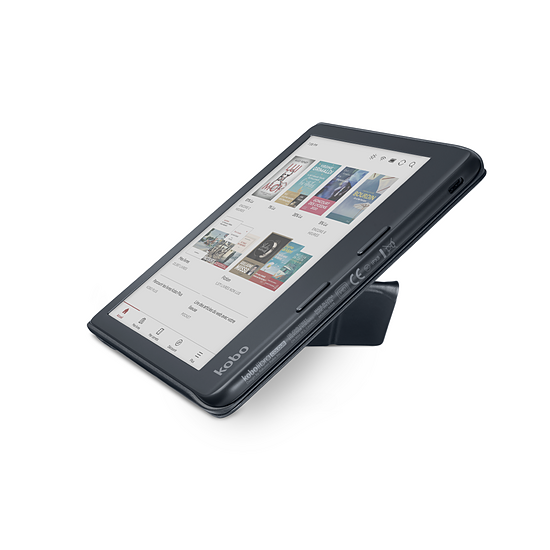
The tiers split on ecosystem, screen, and color. The best overall pick is the mainstream default: a fast, warm-lit, waterproof reader with the largest book selection and syncing across devices. The best value pick is the open alternative: it reads common ebook formats natively, borrows library books directly, and offers a crisp warm-lit display in a lighter, smaller body, but with a thinner store than the market leader. The premium pick adds color e-ink for comics, covers, and highlighted passages, plus physical page-turn buttons and stylus support for annotation, but color screens run dimmer than black-and-white, so you will use the front light more. You are choosing between the biggest store, the most open reader, and color.
Who should pick which tier depends on where your books come from. If you buy most books from one major store and want the widest selection with seamless syncing, the overall pick is the default. If you already own a library of open-format books, borrow heavily from a public library, or dislike being locked into one store, the value pick is the better fit. If you read comics, illustrated books, or annotate heavily, the premium pick's color screen and buttons justify the cost. If you only read novels and want the lightest device for the lowest cost, the value pick is hard to beat.
The common mistakes are about lock-in and size. The first is buying into a store ecosystem without realizing how hard it is to move your library later, especially if you already own books in open formats. The second is buying too small a screen for illustrated content, then squinting at comics and documents. The third is undervaluing warm front lighting, which is the feature that makes night reading comfortable. The fourth is assuming all e-readers handle documents equally well; for heavy document reading, a larger screen matters far more than a slightly sharper one.
Buying guide expanded October 2026
What the reviews reveal
E-reader buyers most often get the ecosystem question backwards: they compare screens when they should compare where their books will live in five years. A Kindle library does not travel as a folder of files, and owners who switch describe a weekend of conversion work, while Kobo's library borrowing looks frictionless until you hit the single-card limit or a title that refuses to sync. Colour is the second trap. Buyers picture tablet colour and get soft, muted tones that need the front light on to look their best — lovely for covers, comics, and highlighted passages, underwhelming if you expected a screen that pops. The tradeoff that matters most in daily use is not resolution, which is effectively tied across these models, but how you turn pages and light them: buttons versus tapping, and whether you are happy reading with the front light always slightly on. That is why the Libra's buttons inspire such loyalty and why the Paperwhite's slippery back matters more than its contrast upgrade. The recurring surprise is how long these devices stay in people's lives, which makes repairability and library portability worth more than a slightly sharper page. A reader that survives drops, gets repaired, and still opens your old books is the one you will still be using in five years; a prettier screen on a closed library is a shorter relationship.
Frequently asked questions
Is the premium pick worth it over the best overall pick?
Only if you read color content or annotate heavily. The premium pick brings color e-ink to life for comics, covers, and highlights, plus buttons and stylus support for notes. But its color screen runs dimmer than black-and-white, so you will lean on the front light more. For novels alone, the overall pick is sharper, brighter, and the better buy.
What is the tradeoff with the best value pick?
A smaller screen and a thinner store than the market leader. That matters if you read illustrated books or buy most titles from the biggest store. In return you get native open-format reading, direct library borrowing, and a lighter device for less money. For novel readers with existing libraries or library cards, that tradeoff favors the value pick.
Kindle or Kobo: which ecosystem should I choose?
Choose based on where your books already live. If you buy from the biggest store and want the widest selection with seamless syncing, the Kindle path is simplest. If you own books in open formats, borrow from a public library, or want to avoid lock-in, the Kobo path is more flexible. Hardware differences are smaller than the ecosystem difference, so let your library decide.