🧍 Category guide
Best 3 Standing Desks on Amazon
A standing desk only earns its keep if you actually use the standing part — and that comes down to stability at height, a motor that lifts your real setup without straining, and a height range that fits your body. The difference between a good desk and a wobbly one is mostly steel: heavier frames, three-stage legs and dual motors. These three cover the spectrum, from a $160 starter to a commercial-grade build.
Last researched November 28, 2026
How to choose
A standing desk is furniture you move several times a day, so the decision is really about the lifting system. Height range comes first: the desk must drop low enough for seated typing and rise high enough for your standing elbow height — tall users need a maximum near 50 inches. Next is lift capacity, the weight the motors can raise; add up monitors, arms, laptop or tower first, because a 110 lb limit is easy to exceed. Then stability: every two-leg desk moves a little at full extension, and the steadiest frames are the heavy ones, with three-stage legs and a crossbar or offset C-frame. Dual motors lift more, faster and more evenly than a single motor.
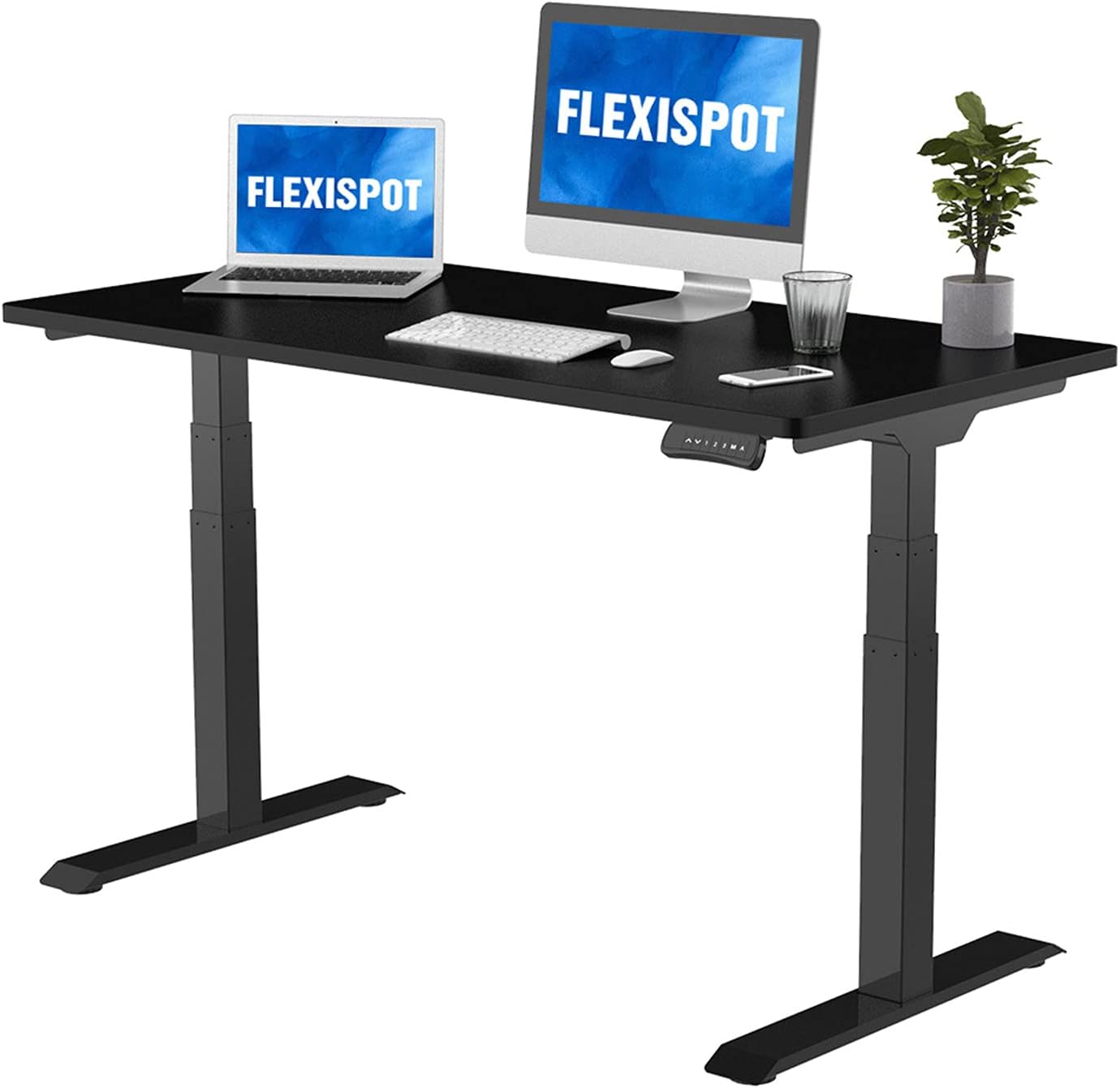
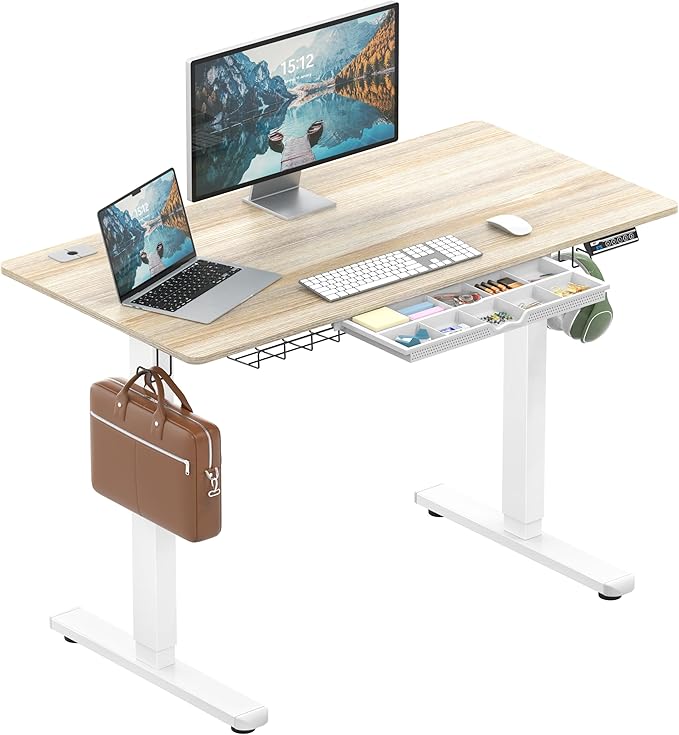
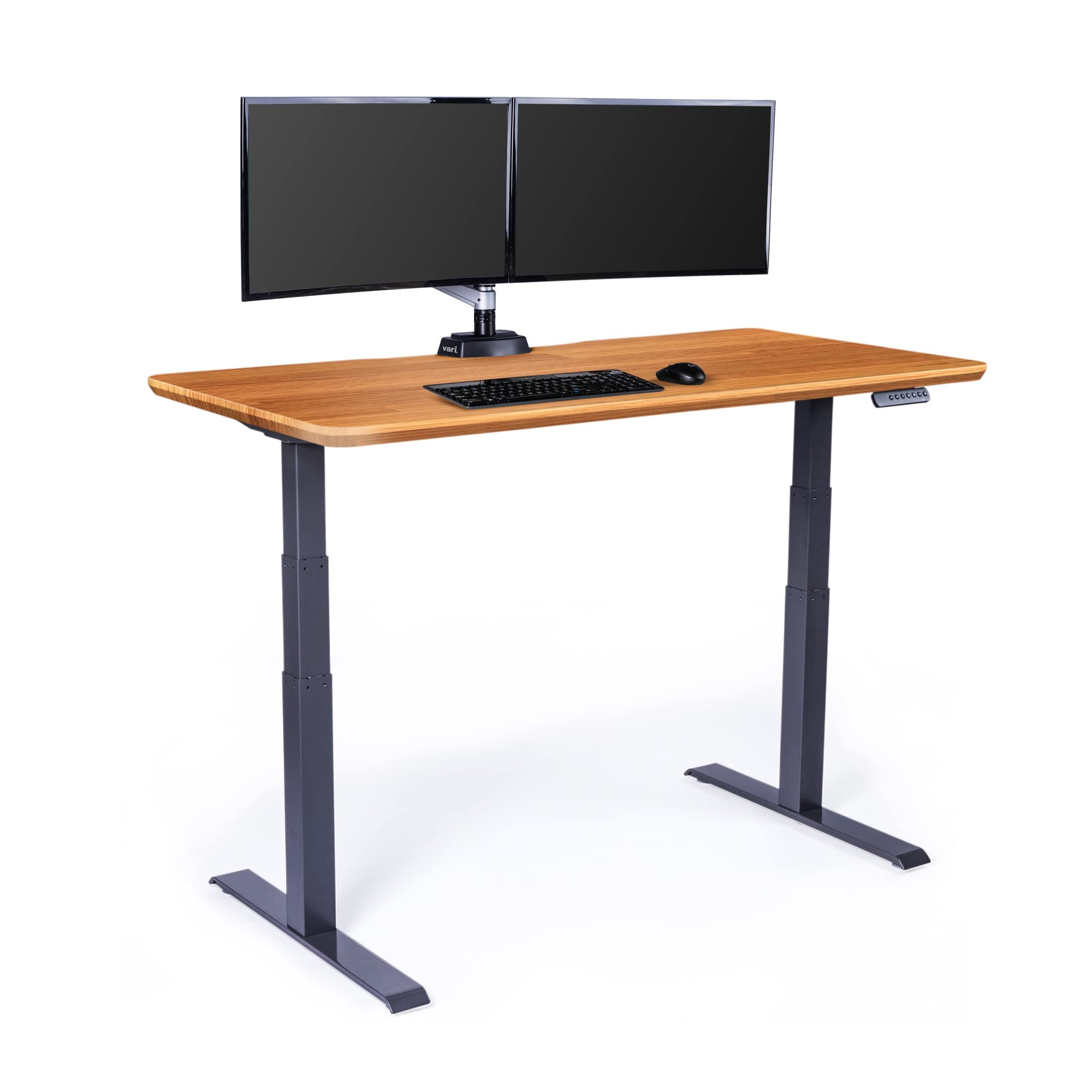
The tiers split on capacity, stability and warranty. The best overall pick is the FlexiSpot E7 Pro: dual motors and three-stage legs rated to 440 lb, an offset C-frame that stays steady while freeing knee room, and a 15-year warranty on frame, motors and electronics. The best value pick is the SHW 48-inch: a single-motor electric desk for around $160, with a drawer, cable tray and hooks — but only 110 lb of lift and a 28 to 45.6 inch range. The premium pick is the Vari Classic 60x30: a commercial-grade desk whose two pre-assembled pieces go together in under ten minutes, with quiet dual motors and a T-frame crossbar — but a 200 lb capacity and 5-year warranty that lag cheaper rivals.
Who should pick which tier depends on your setup and height. If you run dual monitors on arms, a desktop tower or a walking pad, the overall pick's 440 lb capacity and stability under load are the default. If you work from a laptop and a single monitor in a small room and want to try standing without spending much, the value pick covers the basics honestly. If you want the easiest assembly in the category and a commercial-grade build and are happy to pay for it, the premium pick is the buy-it-and-forget-it option — provided your gear stays under 200 lb and you are fine with a laminate top.
The common mistakes are about fit and expectations. The first is buying a desk whose maximum height is too low for you — standing with shrugged shoulders is worse than sitting. The second is overloading the lift: a straining desk lifts unevenly, runs loud and wears its motors out early. The third is expecting a budget desk to feel commercial at full height — wobble at 48 inches is physics, and only mass and frame geometry reduce it. And the fourth is misreading the desktop: a 'butcher block' finish here is laminate over MDF, durable and easy to clean but not solid wood.
Buying guide expanded October 2026
What the reviews reveal
Stability at standing height dominates owner feedback across all three desks — it is the first thing reviewers test and the main reason people stop using the standing function. Memory presets are the feature owners say they actually use every day; desks without them get adjusted far less, which quietly defeats the point of buying one. Assembly time varies enormously in this category, from the Vari's under-ten-minutes to an hour or more for a frame-and-top kit, and that matters if you live alone or have no second pair of hands. And height range keeps catching tall buyers out: several desks in this price band top out in the mid-40s, which is too low for anyone much over six feet, so the maximum height deserves as much attention as the price.
The other recurring theme is the gap between the Amazon listing and the brand's own store. FlexiSpot sells most E7 Pro units direct, so its Amazon listing carries only a handful of reviews while the same desk has hundreds on FlexiSpot's site — and the warranty terms on the Amazon listing can be shorter than the brand's headline terms. The SHW's price is the headline, but its owner reports split on quality control, with motor failures after months of use showing up alongside perfectly happy buyers. The Vari earns near-universal praise for build and assembly, with its price and 5-year warranty the only consistent complaints.
Frequently asked questions
How much weight capacity do I actually need?
A laptop, two monitors and accessories usually land around 80 to 100 lb, which the SHW's 110 lb limit covers — but a desktop tower plus triple monitors pushes past it. Heavy rigs want 200 lb or more, and the E7 Pro's 440 lb is headroom you will likely never use. Add up your real gear, including monitor arms, before choosing.
Will a standing desk wobble when I type standing up?
A little movement at full height is normal for any two-leg desk — the higher the legs extend, the more leverage every keystroke has. Heavier frames, three-stage legs and a crossbar reduce it: reviewers found the E7 Pro nearly steady even at full height, one test measured 5 mm of wobble on the Vari at maximum extension, and budget single-motor desks wobble noticeably more.
Single motor or dual motor — does it matter?
Yes, once your setup has any weight to it. A single motor is cheaper and quiet, but it lifts less (110 lb here), moves slower, and can lift unevenly if the load is off-centre. Dual motors lift more, faster, and stay level under an uneven load. If you only move a laptop and one monitor, a single motor is fine; anything heavier deserves dual motors.
 Best